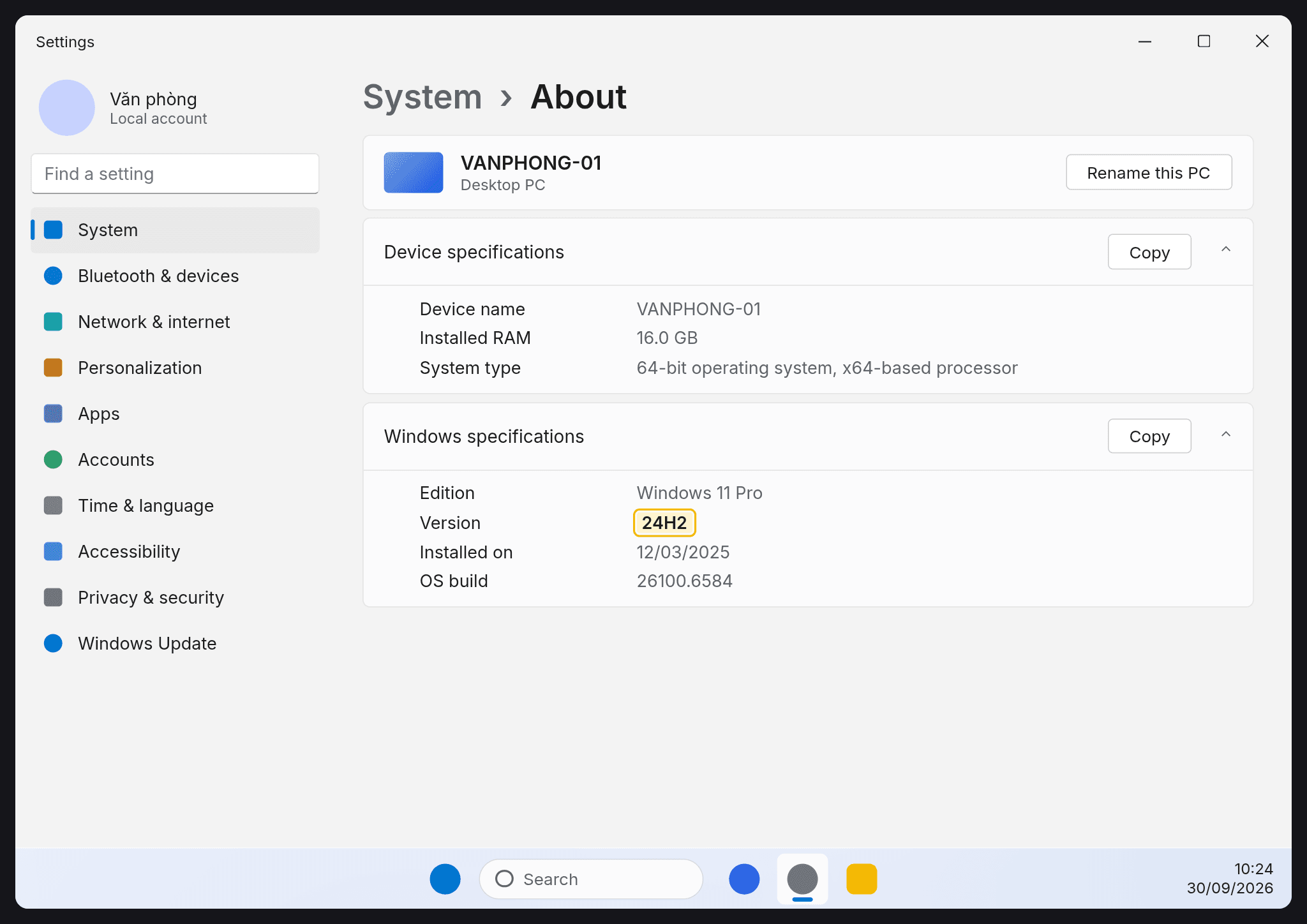
Windows 11 26H2 now reaching 24H2 and 25H2 PCs: how to get it early and what's broken
Since September 29, 2026, Microsoft has been rolling out Windows 11 version 26H2 in phases to PCs on 24H2 and 25H2, with a single restart needed. Microsoft lists four known issues, including audio failures, black screens and domain trust problems.
Microsoft started releasing Windows 11 version 26H2 (the Windows 11 2026 Update) on September 29, 2026 for PCs running Windows 11 24H2 and 25H2. The rollout is phased and will widen over the next few months. Installing it takes just one restart.
Who gets it and how to get it early
Microsoft's release health page says 26H2 bundles all the features recently announced for 24H2 and 25H2. It installs quickly, much like a monthly update.
- Eligible devices: Windows 11 version 24H2 or 25H2.
- To get it early: go to Settings > Windows Update and turn on Get the latest updates as soon as they're available.
- Once it's ready for your device, it downloads and installs automatically, then one restart finishes the job.
Businesses and schools can also deploy it through Microsoft's management tools, and Microsoft publishes separate guidance for IT admins.
Known issues to watch
Microsoft's status page (updated October 9, 2026) lists four issues:
- Apps that need AC-3 (Dolby Digital) audio decoding may close unexpectedly: this started with the September 22, 2026 update (KB5124010) and mostly hits legacy apps like games and media players. Microsoft has confirmed it and is working on a fix.
- USB Audio Class 1.0 devices may fail to start or play no sound: they may show Code 10 in Device Manager. The issue is marked as mitigated, and a full fix will come in a future update.
- Black screen or desktop not loading after sign-in: seen mainly on Azure Virtual Desktop hosts using FSLogix. As a temporary workaround, open Task Manager (Ctrl+Shift+Esc), choose Run new task and enter explorer.exe.
- Domain-joined devices may lose their trust relationship with the domain: this is tied to Machine Identity Isolation. It was fixed in the September 22, 2026 update (KB5124010).
What to do
If you use USB headsets or speakers, or older media software, check the known issues on Microsoft's status page before you opt in early. Small businesses with domain-joined PCs should install the September 22, 2026 update or later.
Sources
- Windows 11, version 26H2 known issues and notifications
Vendor document · Primary source
- Windows Central: Windows 11 26H2: how to install without waiting for Microsoft
Press