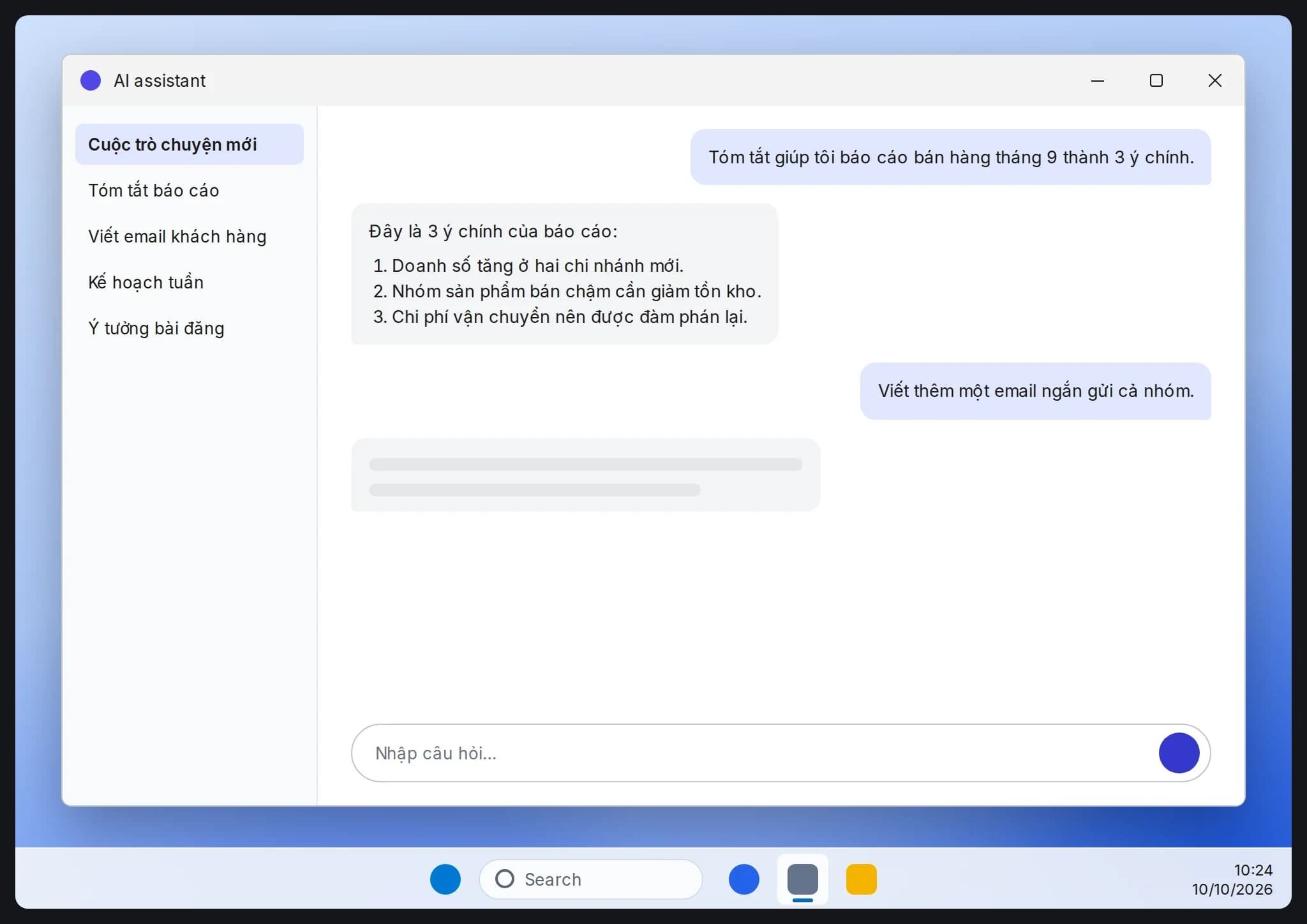
Office joins the Copilot app: how Word, Excel and PowerPoint work now
Microsoft started bringing Word, Excel and PowerPoint directly into the new Copilot app on Oct 9, 2026, letting users create and edit documents inside the AI chat interface, currently for Frontier customers.
Microsoft has started bringing Word, Excel and PowerPoint directly into the new Copilot app, letting people create, edit and collaborate within the same AI-powered experience. Called Office in Copilot, the feature began rolling out on October 9, 2026, currently for Frontier customers through the Chat and Cowork modes.
Who gets it now
- Office in Copilot is currently limited to Frontier customers, not all Microsoft 365 users.
- People can start in Chat or Cowork to create a Word document, Excel spreadsheet or PowerPoint presentation, then keep editing it directly inside Copilot without switching to a standalone app.
What's included
- A Library in the Copilot app gathers recent Word, Excel and PowerPoint files, whether created in Copilot or in the standalone Office apps, along with pages and AI-generated images.
- Files remain stored in OneDrive, keeping their formatting, comments, sharing permissions, version history, and the security and compliance labels an organization already applies.
- Users get real-time collaboration (comments, co-authoring, presence) inside Copilot, and can pick a specific AI model or let Auto choose one.
- Microsoft also says it continues improving Copilot inside PowerPoint (on-brand templates, image edits) and Excel (reviewing Copilot's changes, chart suggestions).
What to watch
Because the rollout is limited to Frontier customers for now, regular Microsoft 365 users should watch for further Microsoft announcements on when Office in Copilot becomes more widely available.