What is Synthesia? AI video platform vs the piano app with the same name
Explains what Synthesia is, separates the two unrelated products that share the name, and helps small businesses judge when the Synthesia.io AI video platform fits.
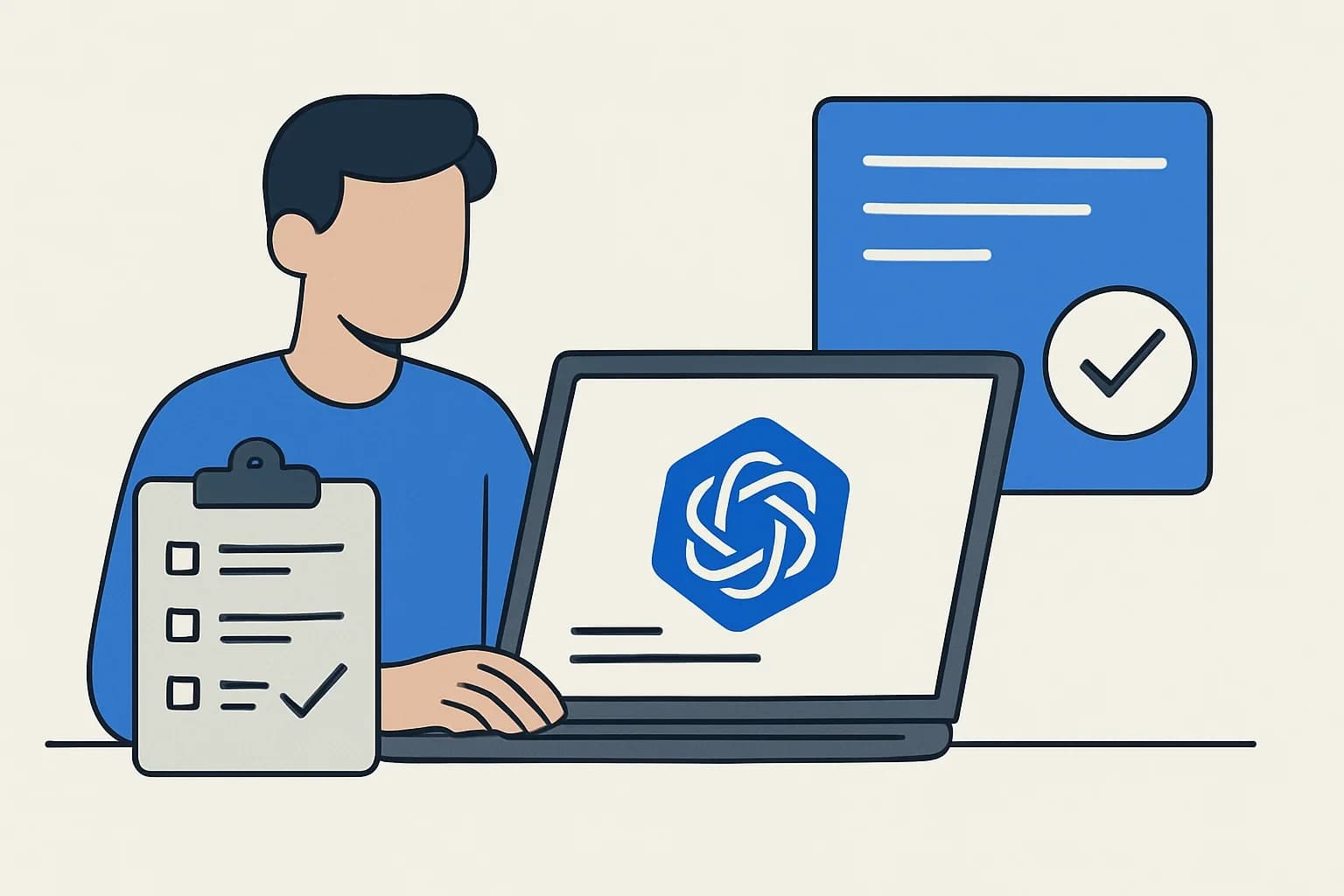
Synthesia is the name of two unrelated products. For businesses, the usual one is Synthesia.io, a platform that turns text scripts into videos presented by AI avatars. The other is Synthesia, a piano learning app built around falling notes on a virtual keyboard.
What is Synthesia: two products, one name
Searching "what is Synthesia" can return results for both products. They differ in purpose, publisher and use, so it helps to separate them first.
| Criterion | Synthesia.io (AI video) | Synthesia (piano learning) |
|---|---|---|
| Purpose | Create videos with AI avatar presenters from text, documents, slides | Practice piano with falling notes, connect a MIDI keyboard |
| Main users | Training, HR, sales, internal communications teams | Piano learners and teachers |
| How you use it | In the browser | App for computers, iPad, Android |
| Typical searches | synthesia ai video, what is synthesia | synthesia piano, synthesia midi, synthesia unlock key |
The rest of this guide focuses on Synthesia.io, since it is the one relevant to business work. The piano app is summarised near the end so you do not mix them up.
What Synthesia.io can do
According to the company's homepage, Synthesia is an AI video platform for businesses that removes the need for cameras, studios or actors. The main feature groups it lists:
- AI avatars: the vendor's avatar page lists 240+ ready-made avatars. There are also personal avatars (made from your own photo or video), customizable avatars generated from prompts, and studio avatars captured in a professional session for Enterprise customers.
- Languages and voices: the vendor states 140+ languages, with dubbing, voice cloning and lip-sync.
- Building videos from existing content: an AI assistant turns prompts, documents or links into video; PowerPoint-to-video conversion and a screen recorder are included.
- Interactive elements: quizzes, calls to action and branching scenarios.
- Publishing: share links, embeds, SCORM export for learning management systems (LMS), and built-in analytics.
- Brand and collaboration: brand kits, live team collaboration and an API for generating videos programmatically.
The vendor also lists security certifications such as SOC 2 Type II and ISO 27001. These are the vendor's own claims; if your company has specific legal or compliance requirements, ask your legal team or an adviser to check the vendor's original documents.
A basic workflow for one video
Button names and menu paths can change between interface versions, so this describes the general flow rather than exact clicks.
- Prepare the content: a short script, an internal how-to document or an existing slide deck.
- Create a new video on the platform and pick a template, or let the AI assistant draft a structure from your content.
- Choose an avatar and a voice, and set the language.
- Edit scene by scene: on-screen text, backgrounds, logo, music, scene order.
- Preview and listen closely to how proper names and industry terms are pronounced; fix the script if needed.
- Export the video or share it through a link, embed or SCORM package.
For training material that changes often (procedures, policies), the advantage the vendor stresses is editing the script and updating the video instead of reshooting it.
When Synthesia.io fits a small or mid-sized business
The vendor lists learning and development, sales enablement, employee onboarding, compliance training, internal communications and customer service as its main use cases. Here is how to match that against real needs:
| Situation | Fit | Notes |
|---|---|---|
| Internal how-to videos, onboarding, several languages | Often a fit | No filming; easy to update when procedures change |
| Short product explainers with a consistent presenter | May fit | Check avatar quality and Vietnamese voice before committing |
| Videos that need strong emotion, storytelling or brand ads | Think twice | AI avatars are hard to match against real acting |
| Footage of real places or camera movement | Not the main use | This is a talking-avatar platform, not a cinematic tool |
If you want to see the interface and try a short script yourself, you can open the vendor's page at Synthesia to check current plans and limits. The link above is a partner link: Dùng Gì may earn a commission if you sign up or buy through it.
The homepage mentions a free Basic plan for getting started. Limits for each plan (monthly video length, unlocked features) change over time, so rely on the vendor's pricing page rather than numbers in older articles.
Criteria to set before you try it
- Does the Vietnamese voice sound natural, with correct tones, and handle proper names and abbreviations from your industry?
- Do the avatars suit your company's culture and style?
- Can you export the formats you need (link, website embed, SCORM for an LMS)?
- Who will edit videos and approve content before release?
- The vendor's content policy: its FAQ and avatar pages say political, sexual, discriminatory and criminal content is prohibited.
Personal avatars and consent
If you want an avatar of yourself or an employee, the vendor states these rules: the person must record a live on-camera consent video (it cannot be pre-recorded or uploaded afterward), the person in the consent video must be the same person as in the avatar footage, and the minimum age is 18. On Enterprise plans, a colleague can be asked to complete the consent step themselves through a unique link.
A person's face and voice are personal data. A company should seek legal advice on collecting, storing and using them before rolling this out.
Limitations people often mention
The points below are not Dùng Gì test results. They come from third-party reviews:
- A review published on the Tavus blog (Tavus is a competitor, so read it selectively) says avatars lack varied facial expressions, lip-sync can feel unnatural and videos may come across as robotic.
- The same review says each video is produced individually, which does not suit mass personalisation per customer.
- The vendor offers an API for programmatic video creation, so judgments about scale should be checked against the vendor's documentation and your own needs.
The safest approach is to watch a sample video yourself and let a few colleagues or customers react before using it widely.
Synthesia piano: the app with the same name
If you are looking for "synthesia piano", "synthesia midi" or "synthesia unlock key", you want the piano learning app on synthesiagame.com. According to that site:
- The software supports paced practice: it waits until you play the correct note; you can show or hide sheet music, practice left or right hand separately, and track progress.
- It supports 150 included songs, songs from its music store, custom MIDI files and MusicXML files (from version 10.8).
- The free version unlocks only part of the song list (20+ of the 150) and lets you test MIDI devices.
- The unlock key is a one-time purchase that opens all included songs, removes time limits on external MIDI files and enables multi-track recording on the Free Play screen. Bought directly from the website, the key works on PC, Mac, iPad and Android; app store purchases are tied to the purchasing account.
For current pricing and refund terms, check the app's official page. This guide does not cover the piano app further because it is outside business software.
A caution about unlock keys found online
Many sites advertising free keys, cracks or keygens for software may carry malware. The safe route is to buy from the official website or an app store. On a company computer, installing software from unknown sources also puts business data at risk.
See also: Best AI video generator today: choose by what you already have, not by the hottest tool.
Frequently asked questions
What is Synthesia?
Synthesia is the name shared by two different products: Synthesia.io, an AI avatar video platform for businesses, and Synthesia (synthesiagame.com), a piano learning app. Decide which one you need before reading further.
What is Synthesia AI video used for?
According to the vendor, it creates videos with AI avatar presenters from text, documents or slides, typically for training, sales enablement, internal communications and customer support, in 140+ languages.
Are Synthesia piano and Synthesia AI video from the same company?
The official pages of the two products present themselves independently: one is an AI video platform, the other a piano learning app, and the piano app's site does not mention synthesia.io. They are separate products that only share a name.
What is a Synthesia unlock key and do I need one?
It is the one-time purchase that unlocks the full piano app. The free version opens only part of the song list. Buy it from official sources and avoid keys or cracks from unknown sites.
Is Synthesia.io free?
The vendor's homepage mentions a free Basic plan alongside paid plans with more features. Specific limits change over time, so check the vendor's pricing page.
Sources
- Synthesia: AI Video Platform (trang chủ hãng)
Vendor page
- Synthesia – AI avatars
Vendor page
- Synthesia – piano learning software
Vendor page
- Synthesia – Unlock key
Vendor page
- Synthesia review (Tavus blog, đối thủ cạnh tranh)
Other source