Budget office laptop: minimum specs and how to choose for a small business
This guide helps owners and part-time IT staff set minimum specs for a budget office laptop and check them against Microsoft 365, Google Workspace and Windows 11 before buying.
For a budget office laptop, settle the specs first and compare prices second: at least 8GB of RAM, an SSD, a recent-generation processor and Windows 11 preinstalled. Things like a dedicated graphics card or a metal body are optional. This guide shows how to check those specs against the software your company uses, then walks through the purchase step by step.
Budget office laptop: the minimum specs to insist on
Office work means a browser with many tabs, email, Word, Excel, accounting software and video calls. None of this needs a powerful machine, but it is sensitive to too little RAM or a mechanical hard drive. Several retailer buying guides land on similar numbers; one example is a guide from the South African store Evetech: 8GB of RAM or more, an SSD instead of a hard drive, and a recent Core i3/i5 or Ryzen 3/5 processor. That is a retailer's view, not independent testing, so treat it as a reference and check reviews of the specific model.
| Component | Suggested level | Notes |
|---|---|---|
| RAM | 8GB; 16GB if you run many apps at once | Several sources consider 4GB too little for a browser plus office apps |
| Storage | 256–512GB SSD | A small SSD is still a better main drive than a large mechanical drive |
| Processor | Core i3/i5 or Ryzen 3/5, recent generation | High-end chips are unnecessary for office work |
| Display | Full HD (1920×1080) | Sharper text and easier spreadsheets |
| Graphics | Integrated graphics | No dedicated card unless you do heavy design or rendering |
| Connectivity | At least one USB-C port, modern Wi-Fi, a webcam | A webcam and microphone are enough for video calls |
| Battery | Check the manufacturer's stated runtime | The reference guide gives roughly 6–8 hours but contradicts itself, so look for real-world reviews of your model |
If your budget stretches to only one upgrade, put RAM and SSD first, ahead of the processor name or looks.
Check against the software your company uses
Vendors' minimum requirements are usually far below what you should buy. The minimum tells you whether the laptop can run the software; the recommended level decides whether it is pleasant to use.
If you use Microsoft 365 with desktop apps
Microsoft's system requirements page for Microsoft 365 for business lists, for Windows: a 1.6 GHz or faster processor with 2 cores, 4GB of RAM (2GB for 32-bit), 4GB of free disk space and a minimum screen resolution of 1280×768. The client operating system named on that page is Windows 11. These are minimums; if you open large Excel files, Teams and many browser tabs at once, 8GB is more realistic. If your company needs Office apps installed on the computer (from the Business Standard plan), see Microsoft 365 Business for which plans include desktop apps.
If you use Google Workspace mainly in the browser
According to Google's documentation, Workspace runs in a browser: the latest Chrome supports all features, while Firefox, Safari and Microsoft Edge are supported in the current and previous versions, with Firefox and Safari lacking offline access for Gmail, Calendar, Docs, Sheets and Slides. The page does not list a specific operating system requirement. So laptops for teams on Google Workspace depend less on hardware, though RAM still decides whether many open tabs feel smooth. Google also notes that virtual environments such as Citrix or VMware may not support all functionality.
If you have accounting software or heavy Excel files
Check the vendor's requirements on its official page and add headroom for the browser and video calls. A company that relies on Excel files with complex macros should choose a Windows laptop with desktop Excel installed rather than relying on the browser version.
Operating system: buy with Windows 11 preinstalled
Microsoft states that Windows 10 reached end of support on 14 October 2025: no more security updates, feature updates or technical assistance. The machine still runs, but the risk from viruses and malware is higher. Microsoft's page lists the options: a free upgrade to Windows 11 if the PC is eligible, buying a new PC with Windows 11, or enrolling in Extended Security Updates (ESU) to buy time. ESU terms differ between consumers and businesses, so check Microsoft's ESU page for your case.
Microsoft's minimum requirements for Windows 11: a 64-bit processor at 1 GHz or faster with at least 2 cores, 4GB of RAM, 64GB or more of storage, UEFI firmware with Secure Boot, a TPM 2.0 chip, DirectX 12-compatible graphics and an HD display larger than 9 inches. Recent new laptops almost always meet these. If you are considering older or long-stocked machines, ask explicitly about TPM 2.0 and Secure Boot, since this is easy to overlook.
Steps to choose and buy
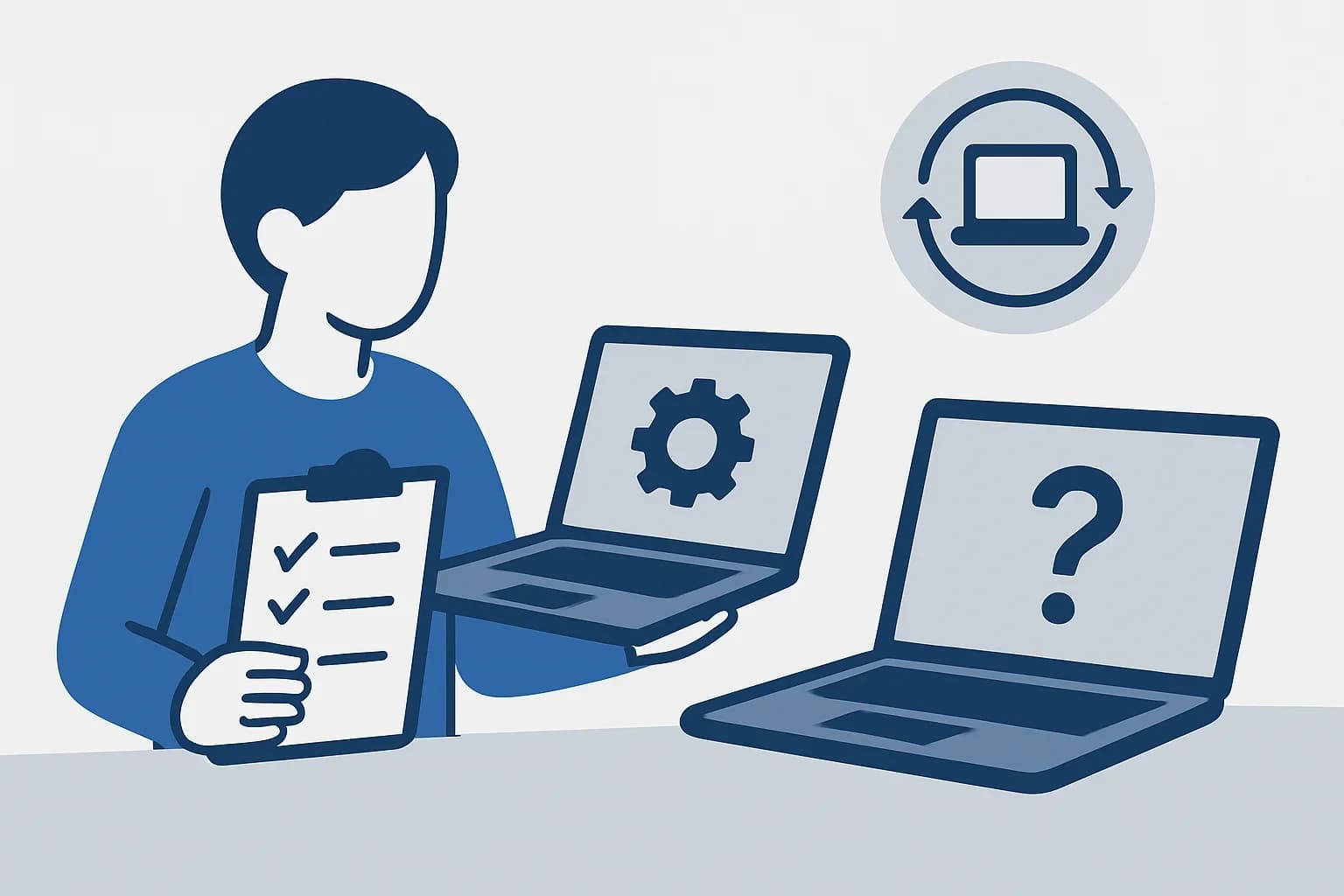
- List the software each person actually opens every day: office suite, accounting software, browser, meeting tool.
- Look up each product's requirements on the vendor's official page and use the highest figure as your baseline.
- Set a company-wide floor: RAM, SSD, a recent processor, Full HD display, Windows 11 preinstalled.
- Split users into light (email, documents, meetings) and heavier (large spreadsheets, many apps at once). The heavier group should get more RAM.
- Ask the seller whether the RAM is soldered or upgradeable, and whether there is a free slot for more storage.
- Check warranty, return policy and business invoicing before ordering several machines.
- Buy one unit first, install your actual software set and use it for a few days before ordering the whole batch.
One more option to compare: other work devices
If your staff also need a mobile device for calls, approvals or email on the go, you can look at the Hoàng Hà Mobile page, which lists the iPhone Air 256GB, Samsung Galaxy S25 FE, iPad A16 11-inch Wi-Fi 128GB and AirPods 4. That page has no laptops, so it is only a reference for companion devices, not a substitute for choosing a laptop. That page uses partner links: Dùng Gì may earn a commission if you sign up or buy through it.
Where to save and where not to
- Fine to save on: a dedicated graphics card, a metal body, a backlit keyboard, a touchscreen, and very large storage (company data is better kept in the cloud or on a server).
- Do not save on: RAM, SSD, the keyboard (staff type for hours), display quality and warranty.
- Ask carefully about: refurbished or display units. Check battery condition, get the warranty in writing and confirm Windows is properly licensed.
Frequently asked questions
What price range should I buy a budget office laptop in?
Laptop prices change by time and seller, so this guide gives no figures. Instead of fixing on an amount, fix the minimum specs (8GB of RAM, SSD, Windows 11) and compare prices across several sellers. The cheapest machine that meets your floor and has a clear warranty is a reasonable choice.
Is 8GB of RAM enough for an office laptop?
It is enough for a browser, email, documents and moderate video calls. If someone regularly keeps many tabs, large spreadsheets and several apps open together, 16GB will be more comfortable. Several retailer guides say the same.
Can a cheap laptop run Microsoft 365 and Google Workspace?
Yes, if it meets the vendors' requirements. Microsoft 365 on Windows needs at least a 2-core 1.6 GHz processor, 4GB of RAM and 4GB of free disk space. Google Workspace runs in a supported browser, with the latest Chrome offering the fullest support. These are minimums; what you should buy is higher.
Do I need a dedicated graphics card in an office laptop?
No, if the work is office tasks, meetings and accounting. Several sources say integrated graphics are enough, so spend the budget on RAM, SSD, display and battery. A dedicated card only matters for heavy design or rendering.
Can I keep using an old Windows 10 laptop for work?
Windows 10 reached end of support on 14 October 2025, so it no longer receives regular security updates. If the machine is eligible, upgrade to Windows 11; if not, plan to replace it. Businesses handling customer or accounting data should ask their IT contact or a specialist before continuing.